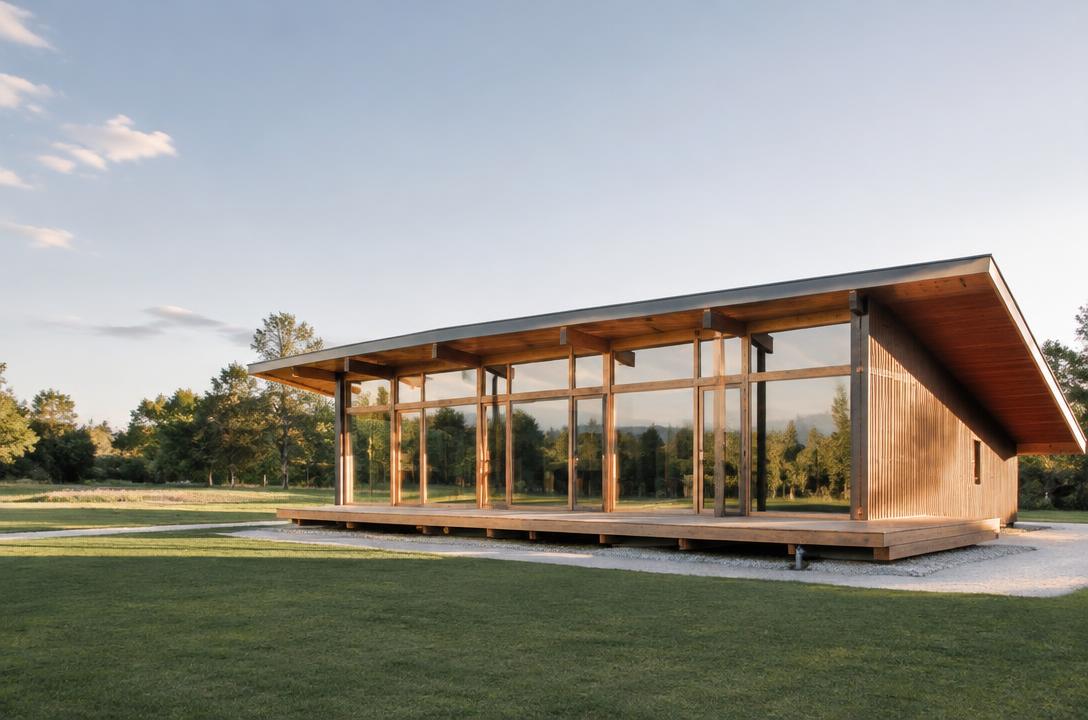
ILLUSTRATIVE SAMPLE
AI construction visualisation · controlled beta
Watch your project come to life.
Turn architectural designs and renders into visual construction sequences and AI-powered time-lapse videos.
Invite-only beta · no public generation · illustrative image
How it works
You stay in control at every review point.
01
Choose an architectural render or design image.
02
BuilVid reads the project and plans a coherent visual sequence.
03
Approved beta users can generate, review and download privately.
Interactive demo
Explore six illustrative stages. This is a transparent product demonstration, not a finished film or customer result.

Stage 1 of 6
Site
Illustrative stage explorer — no verified BuilVid-generated stage set or film is shown.

ILLUSTRATIVE SAMPLE
Design preservation
Camera, geometry, site and architectural identity are checked across stages. Every generated visual remains labelled as an AI construction visualisation.
Use cases
Help clients understand how a design takes shape.
Turn a future build into a clear visual sequence.
Communicate a project before construction begins.
See a future home take shape before construction starts.
Extend architectural renders into construction storytelling.
Illustrative examples
Explore three approved visual samples. None is presented as customer work or verified BuilVid-generated output.
ILLUSTRATIVE SAMPLE
ILLUSTRATIVE SAMPLE
ILLUSTRATIVE SAMPLE
Professional features
A focused workflow for reviewing how the project is understood, staged and presented.
Early access
BuilVid remains invite-only while real output quality, reliability and cost telemetry are validated. Request access and tell us how you work.
Questions
Not yet. Generation is limited to approved beta accounts.
No. It uses clearly labelled illustrative imagery because a verified public BuilVid film is not available yet.
Yes. Project media is private by default and accessed through time-limited links.
No. Outputs are visual simulations, not engineering or safety documentation.
Select an image, preview the first step, then request secure beta access.
Request beta accessControlled betaRequest access. No card required.
Request access